Computing in EYFS
In the Early Years Foundation Stage (EYFS), technology isn't just about screens it includes everything from programmable toys and digital cameras to interactive stories. When used correctly, ICT (Information and Communication Technology) is a fantastic tool for discovery.
Here is how we balance the digital world in our Nursery and Reception classes.
The Pros: Why We Use It
-
Interactive Learning: Phonics and maths apps make learning tactile, fun, and highly engaging.
-
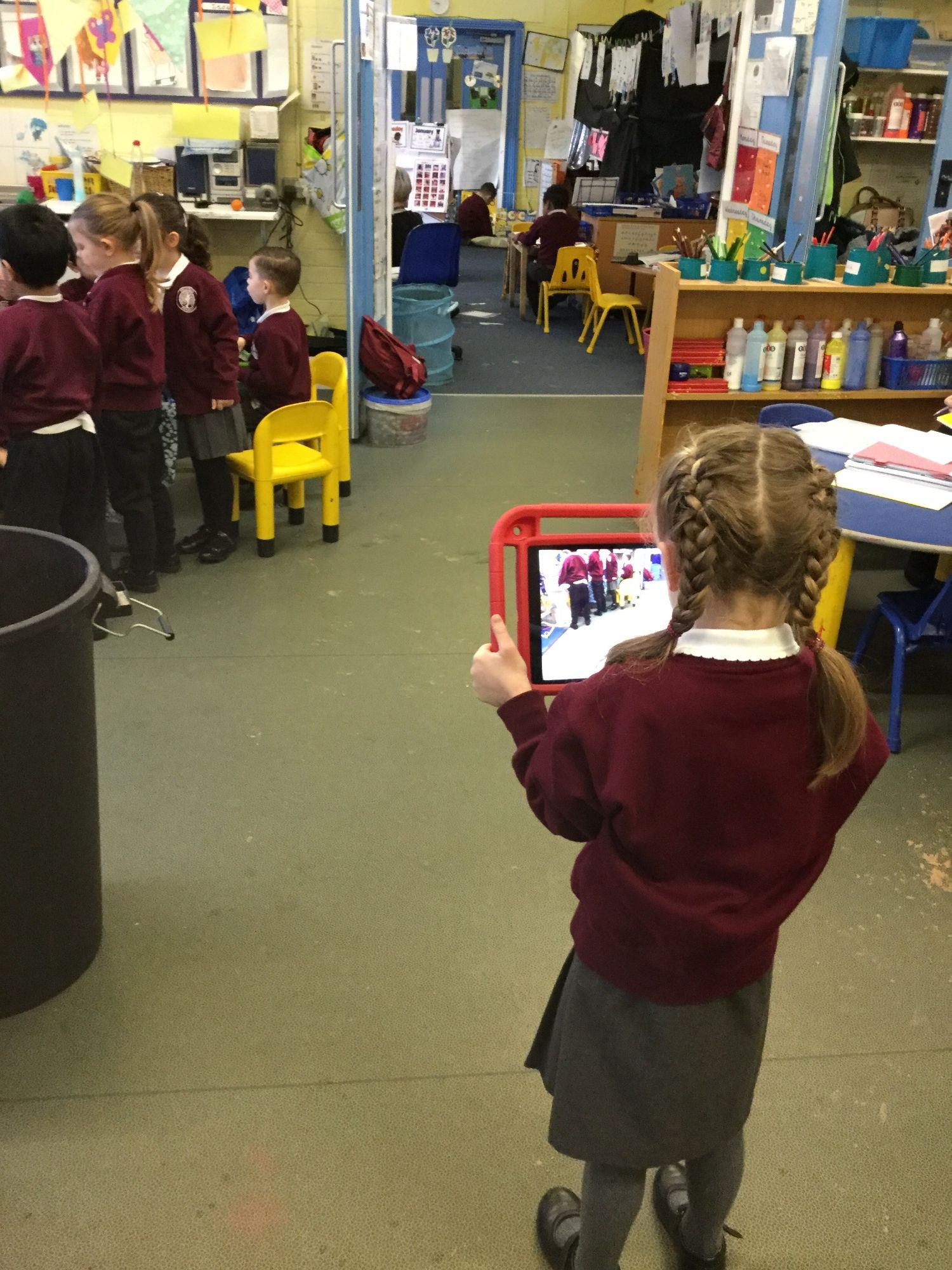
Understanding the World: From checking the weather forecast to taking photos of a growing plant, tech helps children explore the surrounding environment.
-
Hand-Eye Coordination: Navigating simple games or controlling a remote-controlled Beebot robot builds essential fine motor skills.
-
Future Ready: It introduces healthy, positive digital habits from the very start of their school journey.
How We Keep Your Child Safe at School
Our Golden Rule: In EYFS, technology is always a shared, supervised, and purposeful activity. Children never use devices alone or without an adult present.
Our school internet is protected by strict, child-safe filters and monitoring software. We focus on active, creative tech like recording our own voices, filming a class dance, or playing an educational game together.
Working Together: Tips for Home
We work closely with parents to create a healthy digital balance.
Ofcom's 2025 research told us that 85% of 3-5 year olds go online, with 17% owning their own smartphone and 56% going on social media to send messages or make calls. With digital media use becoming increasingly normal in the early years, it is crucial that parents, early years educators and teachers are all informed and proactive about ensuring children's safety and wellbeing when using devices. (LGFL May 2026).
Here is how you can support your child at home:
-
Keep it in the Living Room: Ensure all tablet or phone use happens in shared family spaces where you can see the screen.
-
Set Bright Boundaries: Experts recommend limiting recreational screen time to under an hour a day for children under 5. Aim for a "screen-free hour" before bedtime.
-
Explore Together: Instead of using a device as a distraction, sit together. Talk about the game they are playing or the video they are watching.
-
Activate Parental Controls: Ensure your home Wi-Fi and individual devices have child-safe settings turned on, and use dedicated apps like YouTube Kids.

If you ever have any questions about our digital curriculum or need help setting up parental controls at home, please pop in and speak to us.
Our Computing Curriculum
From the age of 3. in Nursery, we start to introduce the following skills
1 - Knows how to operate simple equipment
2 - Shows an interest in technological toys with knobs or pulleys, or real objects.
3 - Shows skill in making toys work by pressing parts or lifting flaps to achieve effects such as sound, movements or new images.
4 - Knows that information can be retrieved from computers.
In Reception, we focus on
1. Completes a simple program on a computer.
2. Interacts with age-appropriate computer software.
By the end of Reception, we would expect to see children recognising that a range of technology is used in places such as homes and schools. Children should also independently select and use technology for particular purposes in order to achieve the Early Learning Goal.
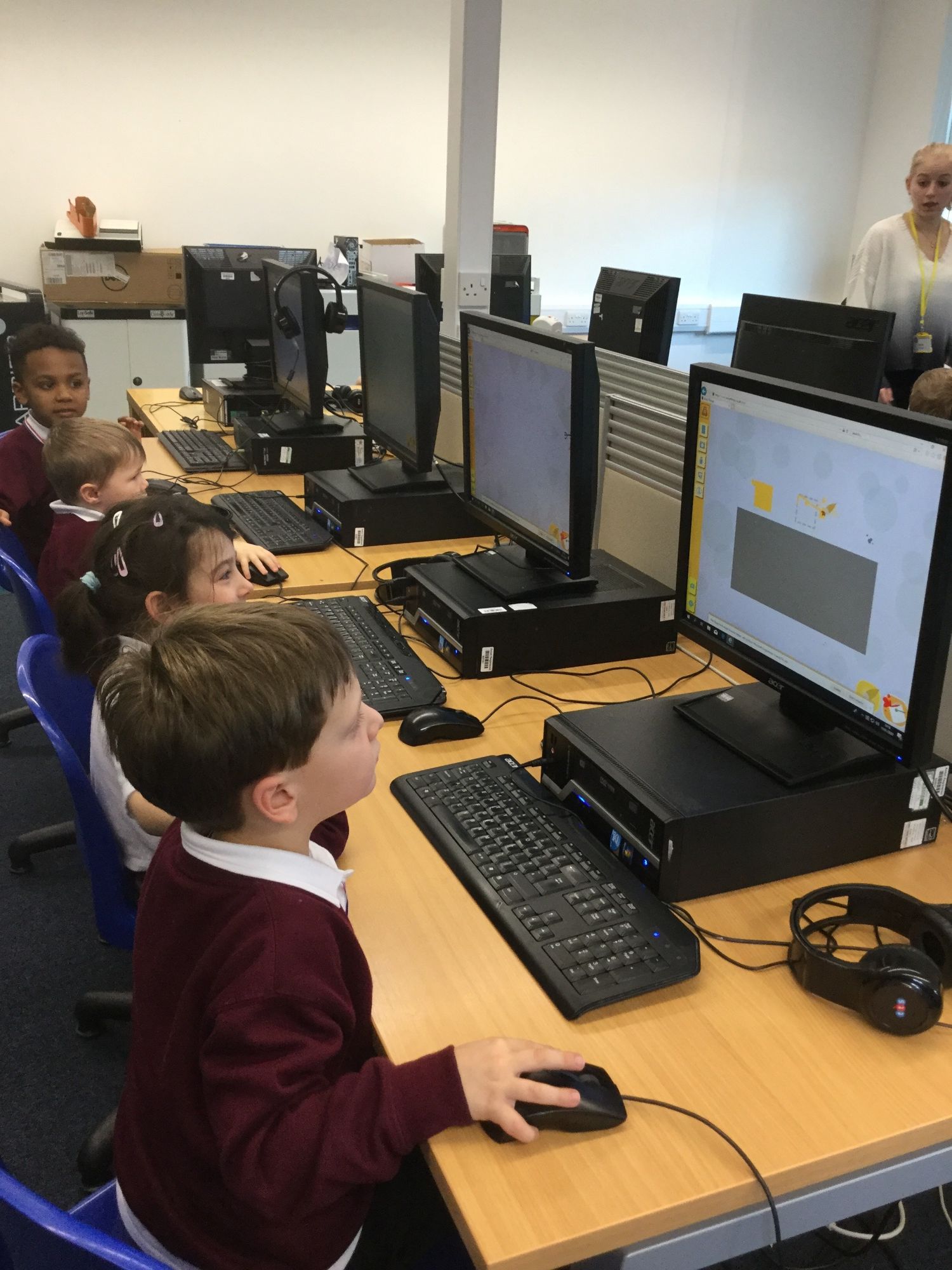
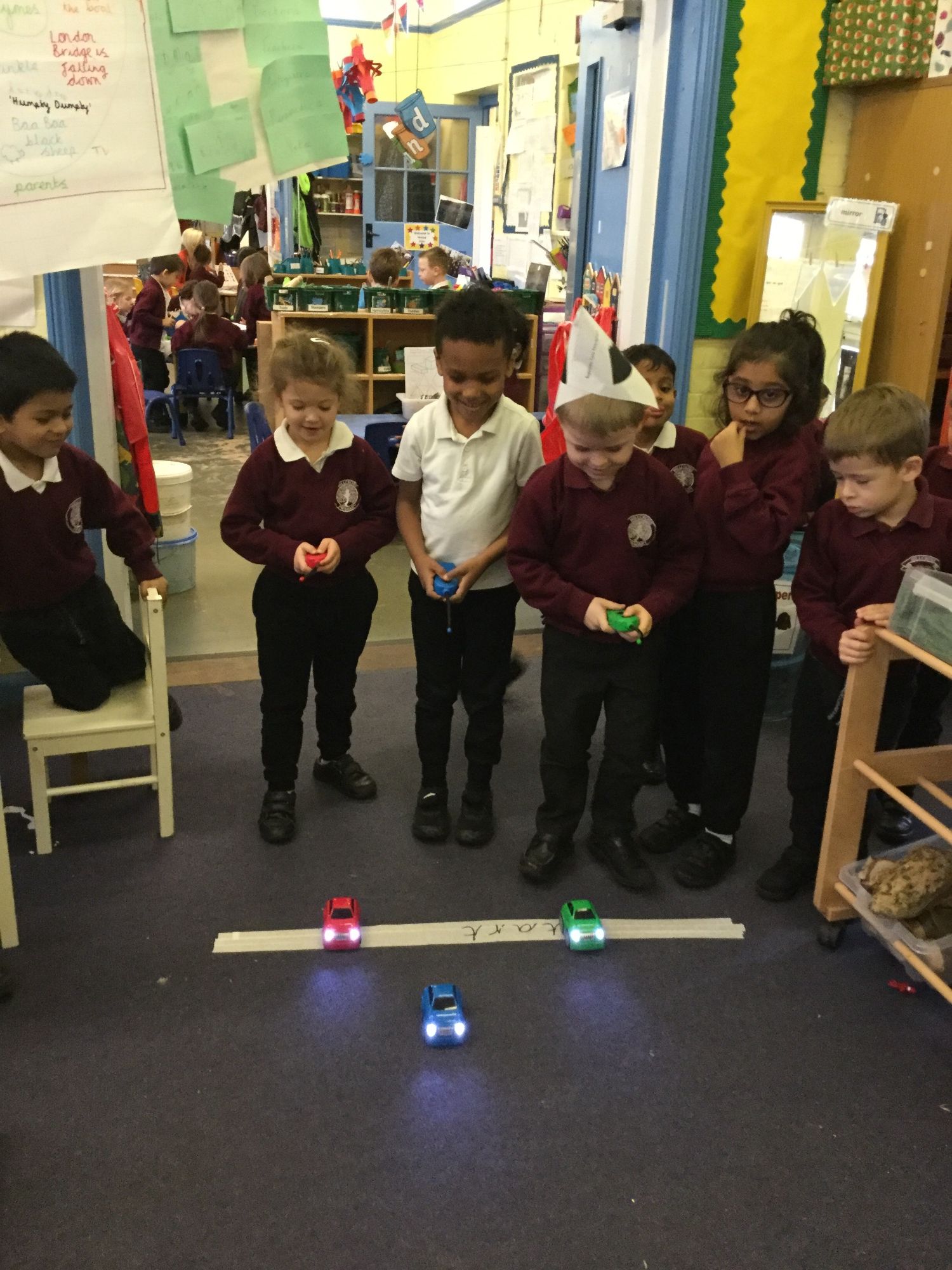
Please see links below for games that you can enjoy at home!
https://www.busythings.co.uk/play/